
How to Print Your Photos in 4x6 Format
4x6 cm is a standard ID photo size widely used for passports, visas and driving licences in many countries, and this guide explains how to prepare, validate and print photos in that exact format .
Where the 4x6 cm format is accepted: common examples include UAE, Bahrain, Egypt, Libya, Saudi Arabia, Syria, Yemen, Oman and Kuwait—submit 4x6 cm photos with passport, ID card, driving licence or visa applications in these countries .
Exact dimensions: 4x6 cm means 4 cm by 6 cm and is equivalent to 40x60 mm; in inches this equals approximately 1.57 x 2.36” — keep these numbers in mind when checking form requirements or printer settings .
Take the source photo under daylight, full-face, and make sure it follows any applicable dress code before processing, because Visafoto will work from a full-face portrait taken against any background to create the compliant 4x6 result .
If you prefer an automated method, upload a suitable portrait to Visafoto: the service adjusts background, head and eye position, file size in kilobytes, and contrast to meet passport-photo rules for the selected ID type .
Visafoto can produce a digital passport-sized photo formatted to 4x6 cm for electronic submissions and can also produce a printing template on 10x15 cm paper (4x6”) that contains four individual 4x6 passport pictures for easy printing .
Practical tip — when photographing: include shoulders and leave a little space around the head so cropping to 4x6 keeps the head centered and sized correctly for passport requirements .
How to prepare a 4x6 photo in Photoshop: open your image, select the Crop tool, drag the crop selector so the head remains centered (including shoulders), set the Ratio field to 4 wide and 6 high, then press Enter to crop to the 4x6 aspect ratio .
After cropping in Photoshop, prepare the image for printing by going to Image > Image Size and entering width and height as 4 x 6 cm, and set the resolution to at least 300 DPI (600 DPI preferred) before saving or printing .
Pixel dimensions to use for digital 4x6 photos: at 300 DPI the image should be 472 x 709 pixels, and at 600 DPI it should be 945 x 1417 pixels — set these values if an uploader requires pixel dimensions rather than centimeters and DPI .
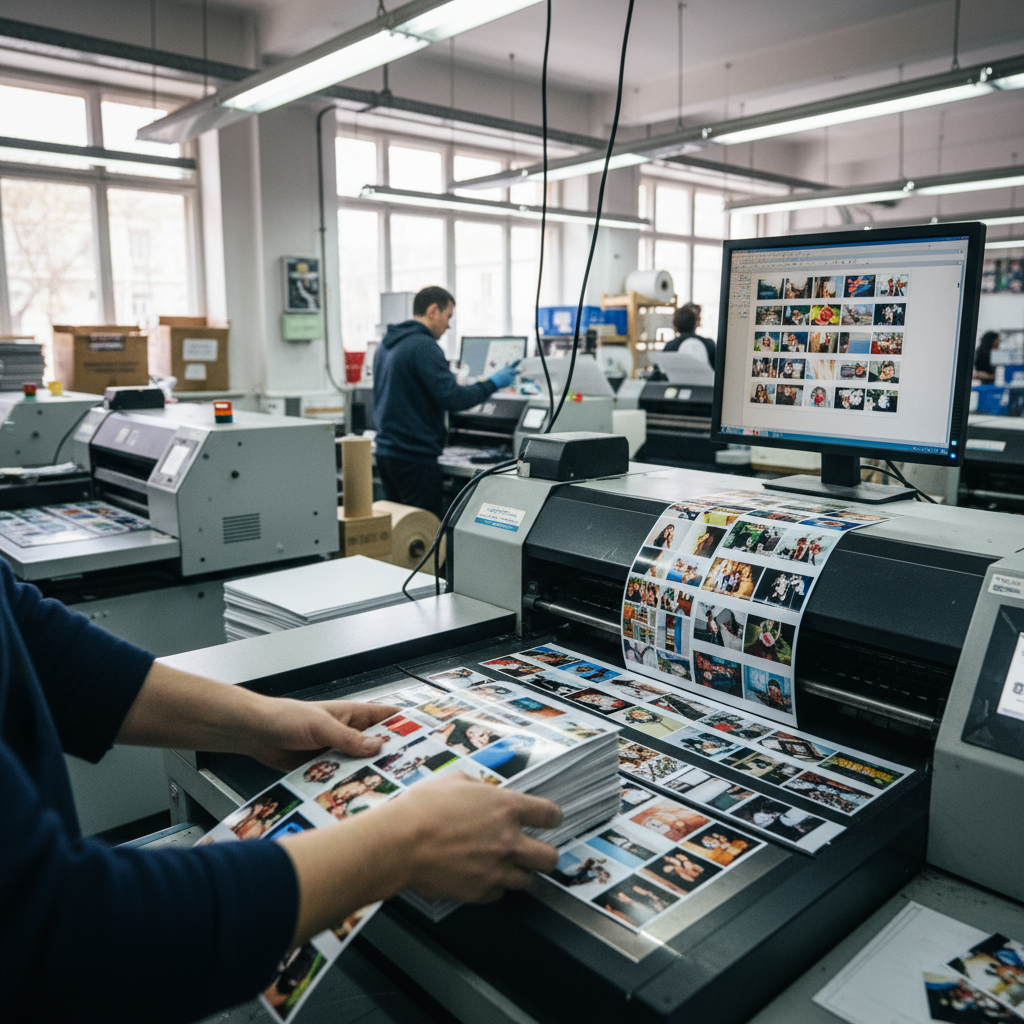
Printing tips: print your 4x6 photo on good-quality matte or glossy photo paper, and if you are using the Visafoto 10x15 cm template you will get four identical 4x6 photos on one sheet to cut out after printing .
Validation reminders: size is required but not sufficient — check face and eyeline position, head size in the frame, background uniformity, and other criteria that may vary by ID type, and use the specific requirement list for your document to confirm compliance .
Avoid common mistakes: do not crop too tightly (leave space around the head), do not use a low-resolution file (use at least 300 DPI), and do not rely on an unadjusted casual photo when strict ID rules apply — use a compliant tool or follow the preparation steps carefully .
If you use Visafoto, it will adjust the background, correct head and eye position, optimize contrast and file size so that your 4x6 photo meets the listed ID requirements and increases the chance of acceptance .
Actionable checklist before printing: 1) confirm the country/document requires 4x6 cm; 2) ensure the source photo is full-face and taken in daylight; 3) crop to 4x6 ratio with head centered and shoulders visible; 4) set Image Size to 4x6 cm at 300–600 DPI; 5) print on 10x15 cm if using a 4-up template or print single 4x6 on quality photo paper .
If you are unsure about a specific parameter (head size, eyeline, background color, file kilobytes), consult the detailed requirement list for the target ID or use Visafoto’s presets for the chosen document type to automate compliance .
Final practical note: using a specialized 4x6 photo tool like Visafoto is recommended for guaranteed adherence to detailed rules because it accounts for every technical and composition detail and provides printable templates and correctly sized digital files .
If anything remains unclear or you need assistance with a specific document’s 4x6 requirements, contact Visafoto support for help and clarification before printing to avoid rejections or reprints .