
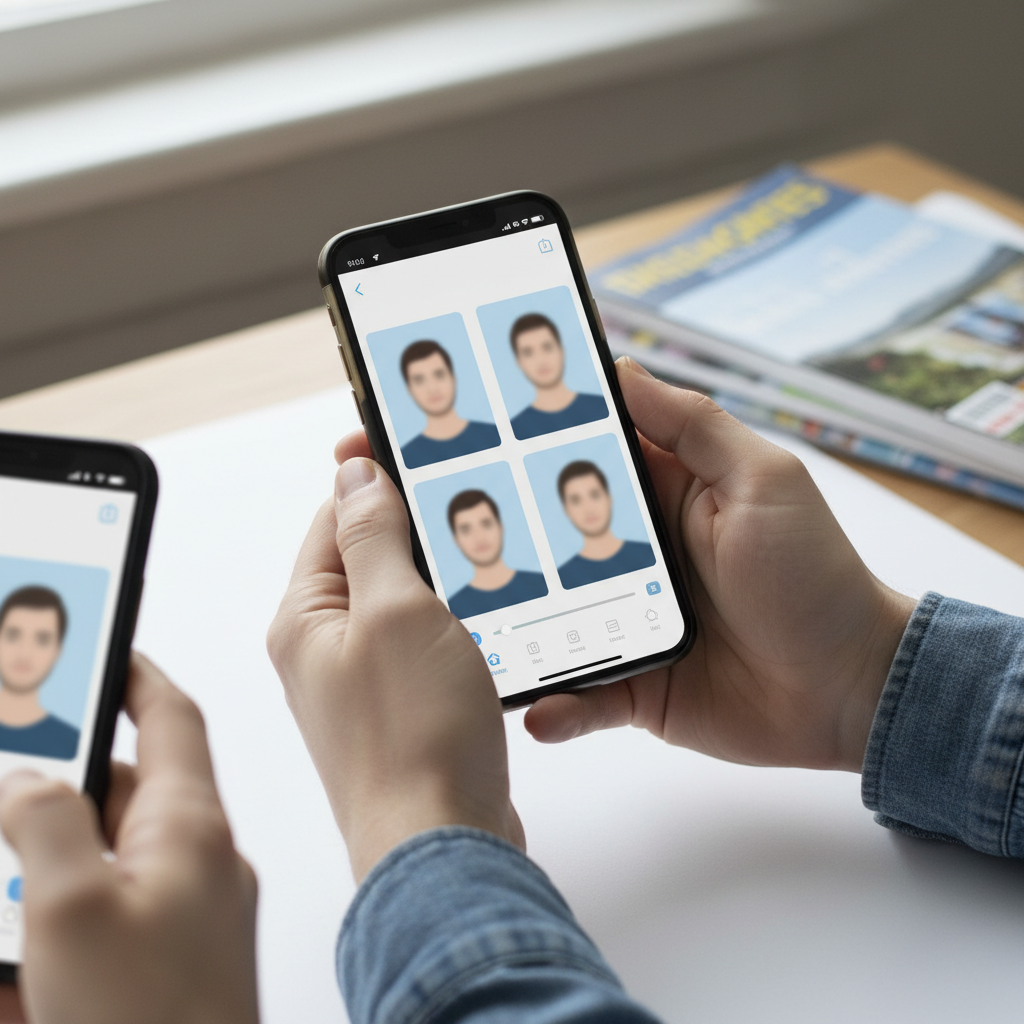
Best Apps for Passport Photos
Why the app you pick matters more than ever
Most people choose a passport photo app by convenience. In 2025 that’s a risky strategy. Regulatory changes, stricter biometric standards, and privacy law interpretations mean the wrong app can cause application rejection, privacy exposure, or weeks of delay. Use an app that’s explicitly built for compliance — not one that “looks nice” or has filters.
The single biggest risk: AI editing bans
The U.S. State Department updated guidance in October 2025: applicants must not use “a photo you created or edited using artificial intelligence or other digital tools.” This covers AI background replacement, skin smoothing, color correction, and any AI beautification. The grace period ended December 31, 2025; starting January 2026 non-compliant photos face immediate rejection.
Practical tip: do not use apps that advertise background replacement, skin-smoothing, or “beautify” filters when preparing passport photos for U.S. applications.
The global standard changed: ICAO / ISO upgrade
ICAO moved from older specifications to ISO/IEC 39794. This upgrade requires larger, higher-resolution facial images and more detailed biometric metadata. Border devices worldwide must support the new format as of January 1, 2026. Apps built for the old standard will increasingly fail automated checks.
Actionable check: confirm the app explicitly states support for ISO/IEC 39794 (or “updated for the 2025 ICAO upgrade”) before using it.
What other countries now require (highlights)
- Germany: digital-only submissions; paper photos no longer accepted (effective May 1, 2025).
- India: full ICAO compliance enforced at embassies (effective September 1, 2025).
- United Kingdom: photos must be taken within the last month; professional booths recommended (September 2025).
- Canada: tinted eyeglasses banned; photo validity reduced to 6 months (2025).
- Australia: slight smiles permitted in visa photos (February 2025).
- EU: transitioning to digital-only workflows (2025–2026), Germany leading rollout.
Practical tip: check country-specific rules (recency, glasses, allowed facial expression) in the app’s country settings — do not assume one-size-fits-all.
Rejection statistics you should care about
- Over 300,000 U.S. passport applications were rejected in 2024 due to non-compliant photos.
- Self-taken smartphone photos accounted for roughly 40% of U.S. rejections.
- Apps that use only AI background removal — without full biometric validation — failed ICAO alignment checks at a rate of 65–75% in independent testing.
Common mistake: relying on apps that only strip backgrounds with AI but don’t validate biometric metrics. Those outputs are high-risk.
Privacy: your photo can be “special-category” biometric data
Under EU law (GDPR), a passport photo becomes biometric data when algorithms analyze facial geometry (eye spacing, facial mapping, compliance checks). That triggers obligations: explicit consent, the right to request deletion (30–45 days), prohibition on selling/sharing the data, and mandatory encryption/security measures.
Actionable step: prefer apps that process images on-device (never upload your face to servers). On-device processing is the gold standard for privacy in 2025.
Our top practical recommendation from the testing
PhotoGov ranked top in 2025 testing. Why: it processes everything on-device, never uploads faces to cloud servers, and covers 900+ document types across 200 countries. That combination maximizes privacy and cross-jurisdictional compliance.
Practical tip: if an app can’t state clearly whether it processes on-device or sends images to cloud servers, don’t use it for passport photos.
What makes an app “good” — the six criteria to check
Before downloading, verify the app on these six dimensions:
1. Regulatory compliance (explicit country standards, ISO/ICAO updates, head-to-photo ratio checking)
2. Privacy and data handling (on-device processing, clear retention policy, GDPR/CCPA claims)
3. Photo quality (sharpness, correct background uniformity, edge detection on hair and face)
4. Speed and ease of use (clear guidance, few steps, quick export)
5. Pricing and value (cost per photo, hidden fees)
6. Acceptance guarantee (money-back, expert review availability)
Actionable checklist: don’t rely on app-store star ratings. Verify these six items in the app description and privacy policy.
How output compliance was verified in testing (and how you can do it yourself)
The review used three verification methods:
- Cross-referencing with official government portals (U.S. State Department checker, UK guidance, India eVisa).
- Manual biometric measurement (head-to-photo ratio, eye position, chin-to-crown distance, background uniformity).
- Real submission testing when possible.
DIY step: after exporting a photo, cross-check it with your issuing authority’s online checker (if available) and measure the head-to-photo ratio.
Key measurable requirement you must verify
Head-to-photo ratio: in testing, compliant photos placed the face so it occupied 70–80% of the frame height. Eye positioning, chin-to-crown distance, and background uniformity are also checked for compliance.
Actionable step: use an app that displays or enforces the 70–80% head-to-frame ratio visually or reports it numerically.
Lighting and device variability matter
Apps were tested across four devices (iPhone 15, Galaxy S24, Pixel 8, Xiaomi Redmi Note 12) and three lighting setups (natural daylight, indoor artificial light, mixed/unfavorable). Apps that only work in ideal light were penalized.
Practical tip: take test shots in natural diffused daylight (near a window on an overcast day) and in your typical indoor lighting to see whether the app’s guidance yields compliant results on your phone model.
Subjects with different hair, skin tones, glasses, head coverings were included
Testing covered a range of skin tones, hair types (including hair that extends above the head line), prescription glasses, religious head coverings, and ages (including infants). Many AI tools struggle with darker skin tones and voluminous/natural hair.
Actionable step: if you or a family member fall into an edge case, choose an app that explicitly states it handles diverse hair and skin types and shows sample outputs similar to your situation.
Practical, step-by-step workflow to produce a compliant passport photo
1. Choose an app that explicitly supports your country and ISO/ICAO 39794.
2. Confirm the app processes photos on-device and has a clear privacy policy (deletion rights, no sharing).
3. Use neutral, diffused lighting (natural overcast window is best). Avoid strong side lighting or heavy shadows.
4. Position camera at eye level; make the face occupy 70–80% of the frame height.
5. Remove tinted glasses; follow country rules for prescription glasses.
6. Do not use any filters, skin smoothing, background-replacement, or AI beautification.
7. Export the digital file and run it through an official government checker or the app’s biometric validator.
8. If possible, submit one test photo to a non-time-sensitive application or use an acceptance-guarantee/refund option.
Common mistakes that cause rejection (and how to avoid them)
- Using AI background replacement or skin-smoothing tools — avoid entirely.
- Uploading your photo to cloud servers with vague retention policies — choose on-device apps.
- Relying on apps that were built to older ICAO/ISO standards — confirm ISO/IEC 39794 support.
- Ignoring country-specific rules (recency, glasses, allowed smile) — verify the country setting.
- Taking photos in poor lighting without app guidance — use diffused natural light.
Final checklist before submitting your application
- Photo created with an app that explicitly supports your issuing country and ISO/39794.
- App processes on-device or has a strong, explicit privacy/GDPR policy.
- Head-to-photo ratio is 70–80% and eye/chin positions visually match official examples.
- No AI edits, filters, or background replacements used.
- Country-specific constraints (recency, glasses, smile, head coverings) followed.
- Exported image passes an official government online checker if available.
Closing recommendation
If privacy and compliance are your priorities in 2025, choose an app that processes on-device, states ISO/IEC 39794 support, and explicitly lists the countries and document types it supports. In our 2025 testing PhotoGov met those criteria: on-device processing, no cloud upload, and coverage for 900+ document types across 200 countries. Use a tested, compliance-first app — and follow the step-by-step workflow above — to avoid rejections, delays, and privacy risks.