
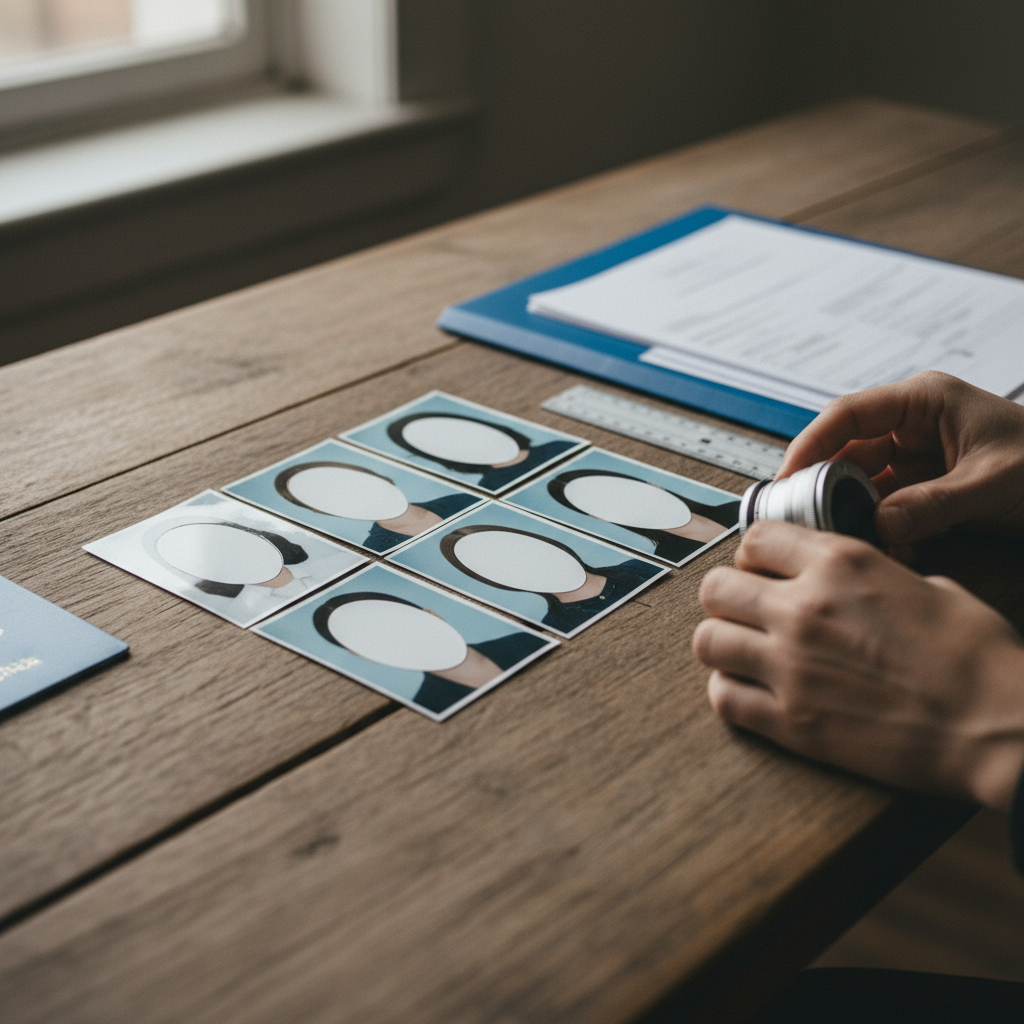
Photo Requirements for Brazilian Visa
A compliant visa photo is an essential part of every Brazilian visa application, whether you apply online (e-Visa) or at a consulate, and a single incorrect image can delay or reject your application .
The official required photo size is 35 × 45 millimeters and the image must be in color; make sure you prepare a digital file for online upload and at least one printed passport-sized photo if you need to affix a photo to a printed form (RER) at the consulate .
The background must be plain white with no external objects, people, or shadows — use a uniformly lit, light background so the face stands out clearly against white without any visible background features .
Composition must show a close-up of the head and partial shoulders; your head must be centered, looking straight forward, and your expression must be neutral (no smile showing teeth) with both eyes open and visible .
Face size is specific: the distance from the forehead edge to the bottom of the chin should occupy 70–80% of the photo — verify this proportion before submitting to avoid rejections .
The picture must be in sharp focus and clear with adequate brightness and contrast that reflects a natural skin tone; photos must not contain ink marks, creases, or lines that obscure the image quality .
Do not allow hair or any other item to obscure the face; eyes must be fully visible with no hair across the eyes and no shadows falling over facial features .
Prescription glasses are allowed only if frames are thin and clear, they do not obscure the eyes, and there is no flash reflection on the lenses; if reflections or frame thickness hide the eyes, remove the glasses and retake the photo .
Head coverings, hairpieces, head-dress or facial ornaments must not obscure the face; if you wear a head covering for religious reasons ensure it still leaves the full face visible and unobstructed in the image .
Lighting must be uniform with no shadows on the face or behind you; avoid harsh directional light and strong backlight that can create shadows or silhouette effects in the photo .
Photos should not show red eye from flash and must be free of any digital artifacts that could reduce clarity when the image is printed or reviewed electronically .
Common reasons for photo rejection include wrong size, non-white background, face not centered, face not occupying 70–80% of the frame, hair or accessories covering the face, reflection on glasses, shadows, red eyes, and blur or creases on printed photos — check for these before submitting .
If you apply online via the Brazilian e-Visa portal you will need to upload a passport-style photo that meets these rules; if you apply at a consulate, you will need a printed passport-sized photo to affix to the Visa Request Form Receipt (RER) in addition to any digital uploads .
Practical steps to prepare: take a straight-on color photo showing head and partial shoulders, confirm the background is plain white, check that the face fills 70–80% of the frame, ensure even lighting with no shadows, and verify sharp focus and no obstructions to the eyes before saving or printing the photo .
If taking photos at home, you can take an image with a smartphone against any background and upload it to Visafoto to get a professionally processed, compliant digital photo and a template ready for printing — Visafoto’s service claims a greater than 97% success rate in meeting application requirements .
Actionable checklist before upload or printing: confirm 35×45 mm size, color image, plain white background, head centered and straight, neutral expression, face occupies 70–80% of the photo, eyes open and unobscured, no shadows or red-eye, sharp focus, and no marks/creases on printed copies .
If a photo is rejected by the consulate or online system, retake the photo addressing the specific rejection reason (background, size, lighting, face proportion, glasses reflection, etc.) and resubmit; using a compliant photo-editing or professional service like Visafoto can help correct framing and background issues quickly .
For consulate submissions that require affixing a physical photo to documents, use the printing template provided by a compliant service so that the printed photo measures exactly 35 × 45 mm and preserves the same crop and proportions as your approved digital file .
Keep these practical tips in mind: remove hats and non-religious headgear, take off large or reflective jewelry near the face, use a plain white wall or processed background, avoid heavy makeup that alters natural skin tone, and always preview the image at actual size to check the 70–80% face proportion before submitting .
Finally, always double-check photo rules on the official e-Visa portal or the consulate’s instructions at the time of application and use professional tools or services if you’re unsure — compliant photos reduce delays and increase the chance your Brazilian visa application will proceed smoothly .