
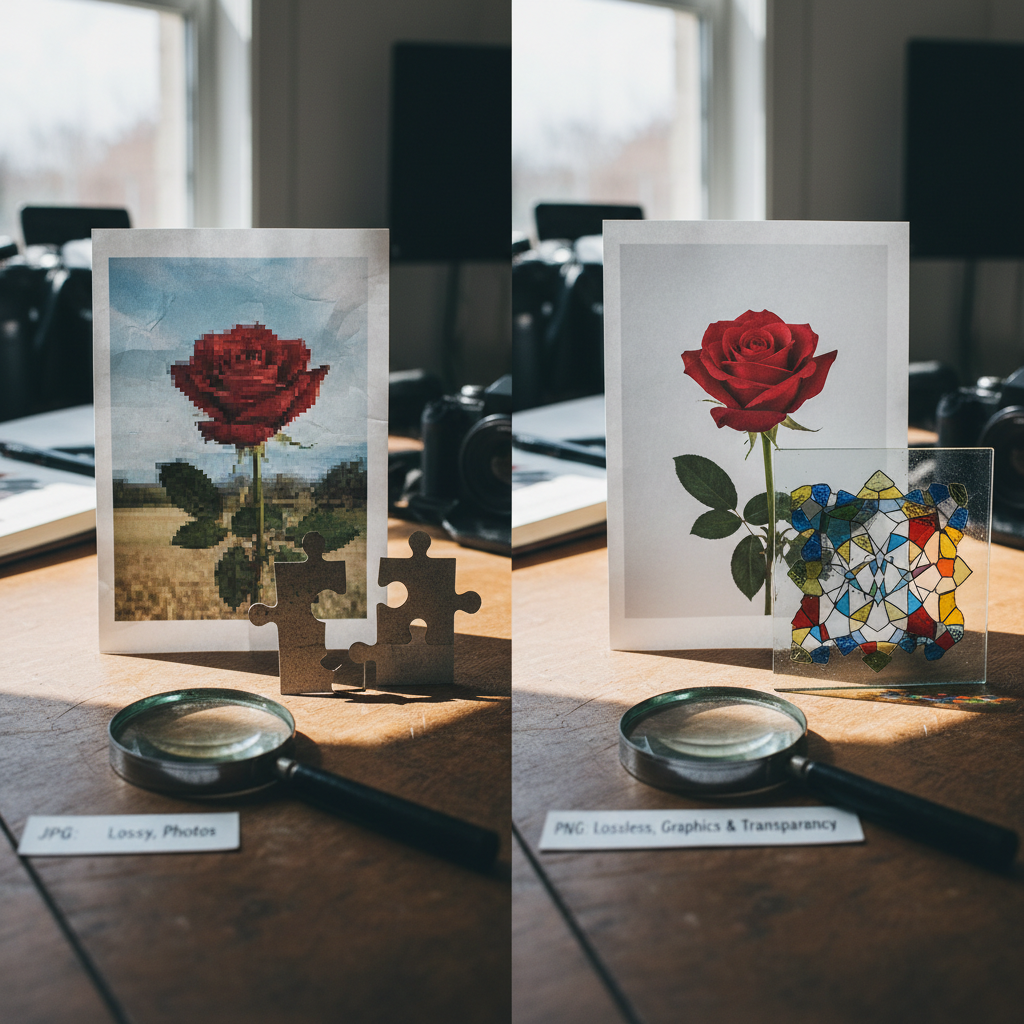
Differences Between JPG and PNG Formats
Your photo is a vital part of your visa application. The Department of State guidance provided here mentions file format explicitly for only one program: the Diversity Visa (DV) Program requires JPEG (.jpg). The guidance does not mention PNG or other formats for the DV Program, and for other visa categories it refers you to separate "Digital Image Requirements" without listing allowed file extensions in the text provided. Because acceptance of your digital image or photo is at the discretion of the U.S. embassy or consulate, follow the explicit format instructions where given.
Key point about JPG vs. PNG in this guidance
- For Diversity Visa (DV) online entries, your digital image must be in JPEG (.jpg) format. This is an explicit requirement in the published DV instructions.
- The text does not specify PNG (.png) anywhere. When a format is specified, use that format (JPEG for DV). When a format is not specified, follow the referenced Digital Image Requirements and the embassy/consulate instructions.
DV-specific technical requirements (JPEG)
- File format: JPEG (.jpg) is required for DV online entries.
- File size: Equal to or less than 240 kB.
- Aspect ratio: Square (height must equal width).
- Dimensions: 600 x 600 pixels.
These are strict DV upload rules — noncompliant files can cause disqualification.
If you are scanning an existing photo for DV
- The original printed photo must be 2 x 2 inches (51 x 51 mm).
- Scan resolution: 300 pixels per inch (12 pixels per millimeter).
- After scanning, save the image as a JPEG and ensure it meets the 600 x 600 pixels / ≤240 kB / square requirements.
Nonimmigrant and immigrant distinctions
- Nonimmigrant applicants using Form DS-160 or DS-1648 will upload a digital image during the online application and must follow the Digital Image Requirements (referenced in the form). Some embassies also require one printed photo at interview—check local instructions.
- Immigrant applicants using Form DS-260 must bring two identical printed photos to the immigrant visa interview. Those photos must be printed on photo-quality paper and be 2 x 2 inches (51 x 51 mm). The text does not list a required digital file format for DS-260 uploads here.
General photo composition and appearance rules (applies to digital images and printed photos)
- Color photos only.
- Head size: head height must be between 1 inch and 1 3/8 inches (22 mm and 35 mm), or 50%–69% of the image’s total height measured from the bottom of the chin to the top of the head. Refer to the Photo Composition Template for exact placement.
- Taken within the last 6 months to reflect current appearance.
- Plain white or off-white background.
- Full-face view, directly facing the camera.
- Neutral facial expression with both eyes open.
- Normal daily clothing (no uniforms except daily religious clothing).
- No hats or head coverings that obscure hair or hairline, unless worn daily for religious reasons; face must be fully visible and head covering must not cast shadows.
- No headphones, wireless hands‑free devices, or similar items.
Eyeglasses and medical exceptions
- Eyeglasses are generally not allowed in new visa photos.
- Exception: glasses permitted only if they cannot be removed for medical reasons (e.g., recent ocular surgery). A medical statement from a medical professional or health practitioner is required.
- If eyeglasses are accepted for medical reasons: frames must not cover the eyes, there must be no glare obscuring the eyes, and no shadows or refraction from the glasses that obscure the eyes.
Hearing devices and similar items
- If you normally wear a hearing device or similar article, you may wear it in your photo.
Unacceptable sources and photo types
- Do not submit photos copied or digitally scanned from driver’s licenses or other official documents.
- Do not use snapshots, magazine photos, low-quality vending machine or mobile phone photos, or full-length photographs.
- Photos must not be digitally enhanced or altered to change your appearance in any way.
Use the Department of State’s free photo tool
- The free photo tool lets you select a digital image on your computer, resize/rotate, crop to a square 600 x 600 pixels, and save it for printing.
- Note: the tool is intended for cropping only; a Department of State employee makes the final decision on acceptability.
Taking photos of babies and toddlers
- Only the child should appear in the photo; no other person should be visible.
- The child should be looking at the camera with eyes open.
- Tip 1: Lay the baby on a plain white or off-white sheet to provide a plain background, support the head, and avoid shadows.
- Tip 2: Cover a car seat with a plain white or off-white sheet so the child can be photographed seated and supported, minimizing shadows.
Change of appearance rules
- If your photo does not reflect your current appearance, even if taken within 6 months, the embassy or consulate will request a new photo.
- New photos are required if you have had significant facial surgery/trauma, added/removed many or large facial piercings or tattoos, or had significant weight change.
- Minor changes (growing a beard, hair coloring) generally do not require a new photo if you are still identifiable.
- For children under 16, normal aging generally does not require a new photo; acceptance is at embassy/consulate discretion.
Practical checklist and actionable steps for format compliance
1. Confirm program requirements: If applying to DV, save and upload as JPEG (.jpg). For other visa categories, check the Digital Image Requirements and your local embassy/consulate instructions for any specified formats.
2. If using an existing printed photo for DV, ensure it is 2 x 2 inches and scan at 300 ppi, then save as JPEG.
3. For DV uploads, crop to a square 600 x 600 px and compress/save so file size ≤240 kB.
4. Use the Department of State free photo tool to crop and save to 600 x 600 px, then verify file format and size.
5. Do not digitally enhance or alter the photo; do not scan from IDs or printed official documents.
6. If required to bring printed photos (immigrant interviews), print two identical 2 x 2 inch photos on photo-quality paper.
Common mistakes to avoid
- Submitting the wrong file format when a specific format (JPEG for DV) is required.
- Uploading images larger than 240 kB or not square for DV entries.
- Using photos with colored, patterned, or shadowed backgrounds instead of plain white/off-white.
- Wearing eyeglasses (unless medically justified with signed statement), hats, or headphones.
- Submitting photos copied from IDs, magazines, vending machines, or full-length shots.
- Digitally altering appearance (retouching, filters).
Final recommendation
When format is explicitly specified (DV → JPEG), follow that requirement exactly. When format is not specified in the immediate instructions you have, consult the Digital Image Requirements referenced by your application form and the embassy or consulate where you will apply. Because acceptance is ultimately at the discretion of the U.S. embassy or consulate, we recommend using a professional visa photo service or the Department of State photo tool to reduce the risk of rejection.