
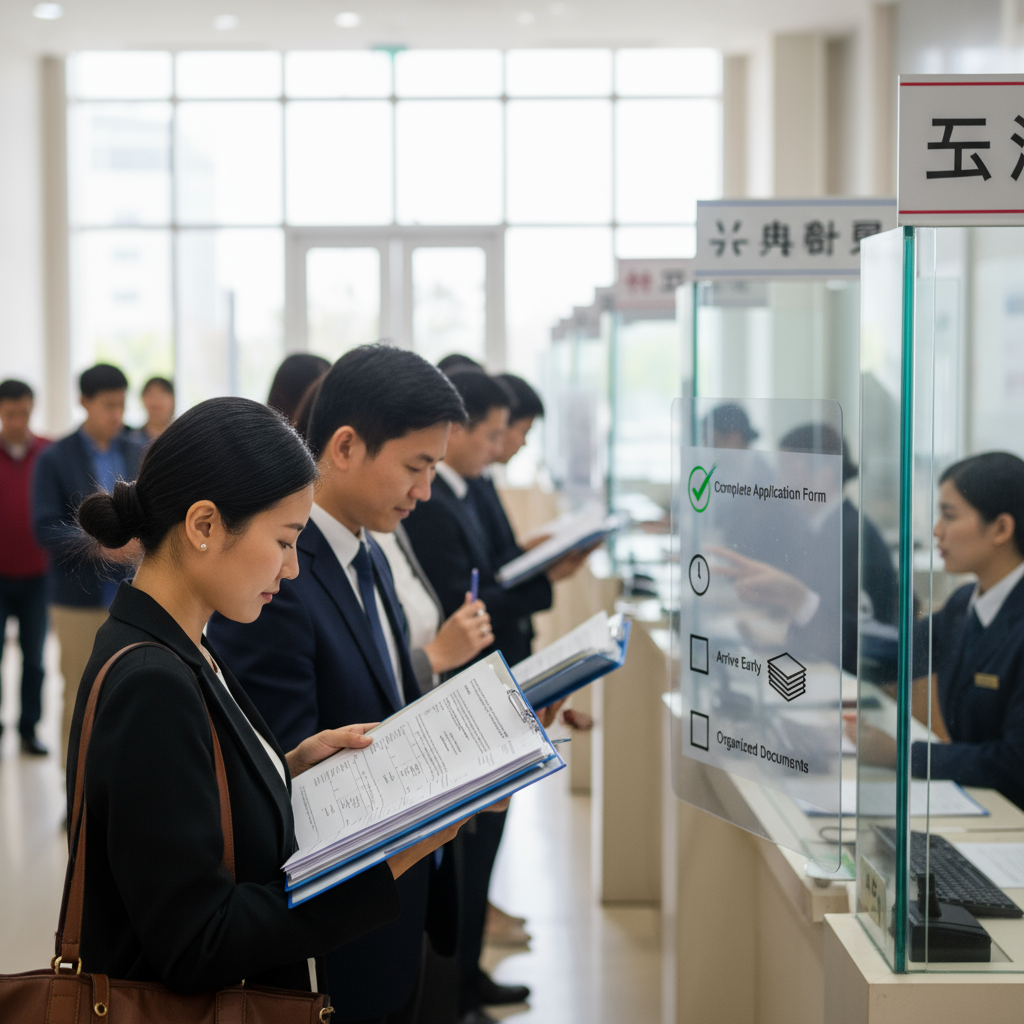
Tips to Avoid Delays in Visa Appointment
Check the embassy/consulate website for photo rules before you book
Before scheduling your appointment, carefully read the embassy or consulate’s document checklist to confirm whether a passport-style photo is required and whether it must be uploaded or brought to the interview in hard copy
Use the appointment portal to find photo upload requirements
When you create an account on the embassy/consulate appointment portal, review any instructions about document uploads — many portals now show which documents (including photos) must be submitted before the appointment
Verify pre-interview digital verification steps for photos
Because some embassies require pre-interview verification through online uploads, check if a photo is among the documents to upload and follow the portal’s timing and file format instructions to avoid delays
Confirm photo requirements when completing the visa application form
When you fill out the visa application (for example, forms listed in the checklist), look for any references to photos or photo uploads and follow the form’s instructions exactly to prevent processing issues
Keep photo requirements aligned with your passport details
Double-check that any photo you upload or bring matches the name and personal details on your passport and application to avoid inconsistencies that could delay your appointment
Prepare printed photos if the checklist asks for hard copies
If the embassy’s required documents list specifies physical photos, prepare the correct number of printed photos in advance and keep them with your other organized documents for quick presentation at security and interview time
Include photos in your document organization system
As you gather documents (passport, SEVIS receipt, financial proof, admission letter), place any required photos in a labeled, easy-to-reach section of your folder so you won’t be slowed down by searching at the embassy
Follow guidance on submitting only required items at arrival
To speed security checks and avoid delays, bring only the photos and other documents explicitly requested on the embassy checklist rather than extra materials not listed
Check appointment confirmation and reminders for photo notes
Use the portal’s automatic reminders and confirmation messages to verify whether any last-minute photo instructions or format updates were added after you scheduled the appointment
Re-check photo rules if you reschedule or change forms
If you reschedule your interview or make changes to your application, revisit the embassy instructions to ensure photo requirements haven’t changed since your original booking
Monitor the portal for updates or cancellations that affect photos
Because appointment systems now show real-time availability and updates, check the portal regularly for any changes to document or photo submission procedures that could impact your appointment timing
Prepare for emergency or expedited appointments with photo-ready documentation
If you apply for an expedited appointment, gather any required photos along with proof of urgency and other documents so you can submit a complete packet quickly when a slot becomes available
Keep digital and printed copies of uploaded photos and receipts
When you upload photos as part of pre-interview verification, save copies of the uploaded files and any confirmation receipts so you can show proof of compliance if asked at the embassy
Avoid common mistakes by following the embassy checklist exactly
Common application delays stem from missing or incorrect documents; the safest approach is to adhere strictly to the embassy’s list for photos and all other materials to reduce the chance of appointment cancellation or delay
Final pre-appointment photo check on the interview day
On the day of your interview, do a last-minute check that any required physical photos are included in your folder and that any digital upload confirmations are accessible to present, if requested by consular staff
Keep contact information handy for clarification on photos
If the photo instructions are unclear, use the embassy/consulate contact channels provided in the appointment portal to confirm requirements before your appointment to prevent unnecessary delays