
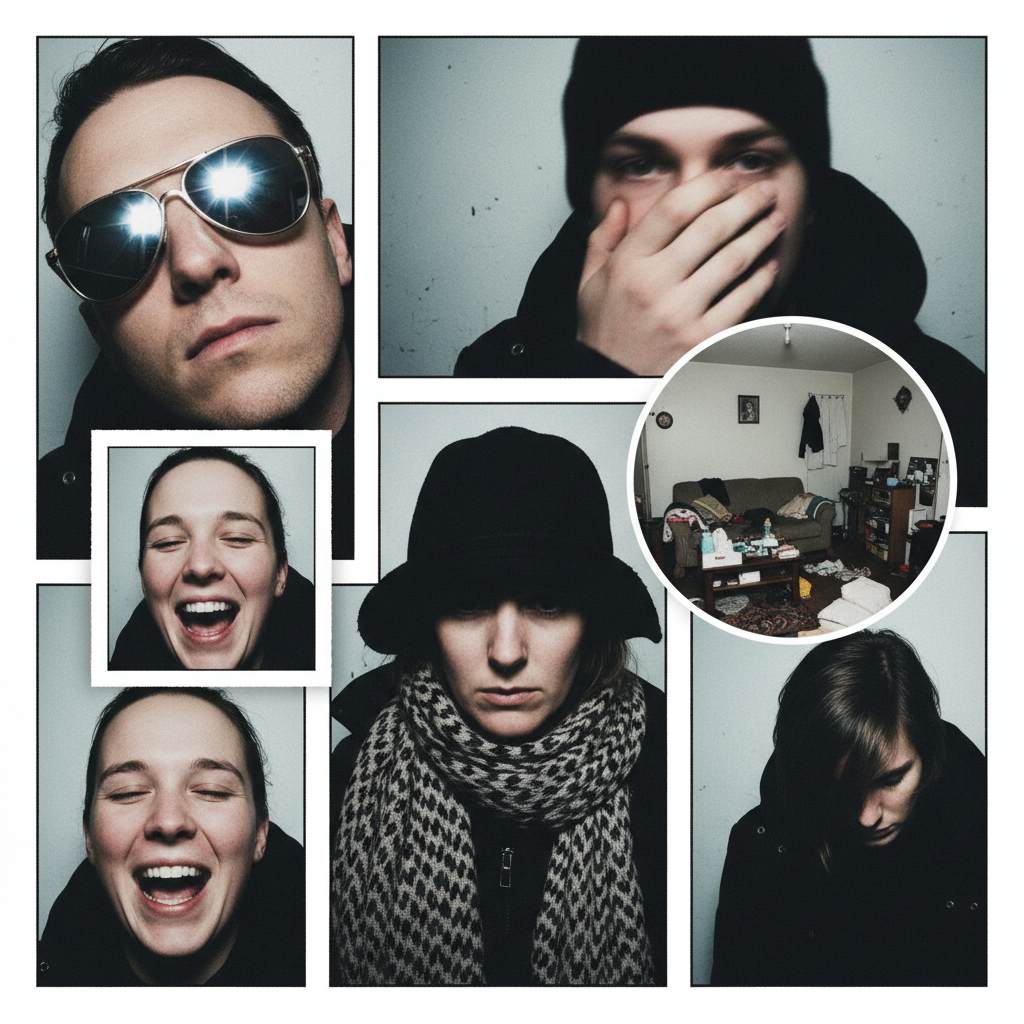
Most Common Passport Photo Mistakes
Overview
Passport photo mistakes are the single largest cause of application rejection, affecting nearly 30 percent of submissions. Because passport photos must meet strict biometric and visual standards, small deviations — from background color to facial expression — can trigger reshoots, requests for replacement photos, and processing delays.
Why photos matter
Passport photos are used for automated recognition and manual identity verification. Compliant images ensure facial features are captured accurately and that the photo integrates with biometric systems. Non‑compliant photos stop identity verification and require new submissions.
Required size, background, and lighting
Photos must measure exactly 2 × 2 inches and use a plain white or off‑white background. Lighting should be uniform across the face and background with no shadows or glare. These elements support clarity and reproducible imaging for automated systems.
Head size and framing
The head (measured from chin to crown) must occupy 50–69 percent of the frame. Proper framing ensures facial features are the right scale for biometric matching and avoids cropping out important detail.
Facial expression and visible features
Use a neutral expression with a closed mouth and both eyes fully visible. A neutral face improves biometric matching accuracy and reduces examiner uncertainty.
Attire and patterns
Wear neutral clothing; avoid uniforms or camouflage patterns. Plain attire maintains focus on facial features and reduces background/foreground confusion for image processing.
Eyewear rules
Remove glasses for passport photos unless you have a valid medical exemption. Tinted lenses and frames that cast shadows are specifically cited as common causes of rejection.
Head coverings and religious accommodations
Head coverings are permitted only for religious reasons and must be accompanied by a signed statement. The face must still be fully visible for identity verification.
Photo quality and recency
Submit a high‑resolution, sharply focused color photo taken within the last six months. Accurate color balance and natural skin tones help both automated algorithms and human examiners; photos older than six months risk misrepresenting current appearance and can be rejected.
How photo mistakes lead to rejection
Non‑compliant images violate biometric standards and halt processing. Rejected photos require reshoots and resubmissions, adding weeks to turnaround time and increasing the chance you’ll miss travel plans.
Common mistake: glasses and lenses
Providing photos with glasses, tinted lenses, or frames that cast shadows is a frequent error. Remove eyewear unless medically exempt and ensure no reflections or shadows obscure the eyes.
Common mistake: incorrect background
Using colored, textured, or patterned backgrounds instead of a plain white or off‑white backdrop causes immediate non‑compliance. Confirm the background is uniform and free of objects or gradients.
Common mistake: head coverings and accessories
Including hats, headphones, or head coverings without the allowed religious exemption leads to rejection. Even legally allowed head coverings must not obscure the face.
Common mistake: low resolution and filters
Low‑resolution, pixelated images or photos altered with digital filters are unacceptable. Avoid any digital effects that change color balance, soften features, or obscure detail.
Common mistake: shadows, glare, and uneven lighting
Uneven lighting that produces shadows on the face or background, or glare that hides features, undermines biometric capture. Use soft, even lighting and position the subject to avoid shadowing.
Practical, actionable checklist before you submit
- Verify the photo is exactly 2 × 2 inches.
- Confirm the background is plain white or off‑white and evenly lit.
- Ensure the head occupies 50–69% of the frame (chin to crown).
- Keep a neutral expression with a closed mouth and both eyes visible.
- Remove eyewear unless medically exempt; no tinted lenses.
- Allow head coverings only for religious reasons with a signed statement, and keep the full face visible.
- Wear neutral clothing; avoid uniforms and camouflage.
- Use a high‑resolution, sharply focused color photo taken within the last six months.
- Do not apply digital filters or retouching.
- Check for shadows, glare, and uneven lighting and reshoot if present.
Final verification step
Before including the photo with your application, compare it line‑by‑line to the checklist above. A final visual inspection for shadows, clarity, and correct framing prevents the most common submission failures.
If your photo is rejected
If a photo is found non‑compliant, you will need to reshoot and resubmit a compliant image. Because photo issues are the leading single cause of rejections, addressing the checklist items proactively will reduce the chance of delays.
Bottom line
Careful preparation of your passport photo — correct size, plain background, proper lighting and framing, neutral expression, recent high quality image, and compliance with eyewear and head covering rules — prevents rejections and keeps your passport application on schedule. Follow the checklist exactly to avoid the most common passport photo mistakes.