
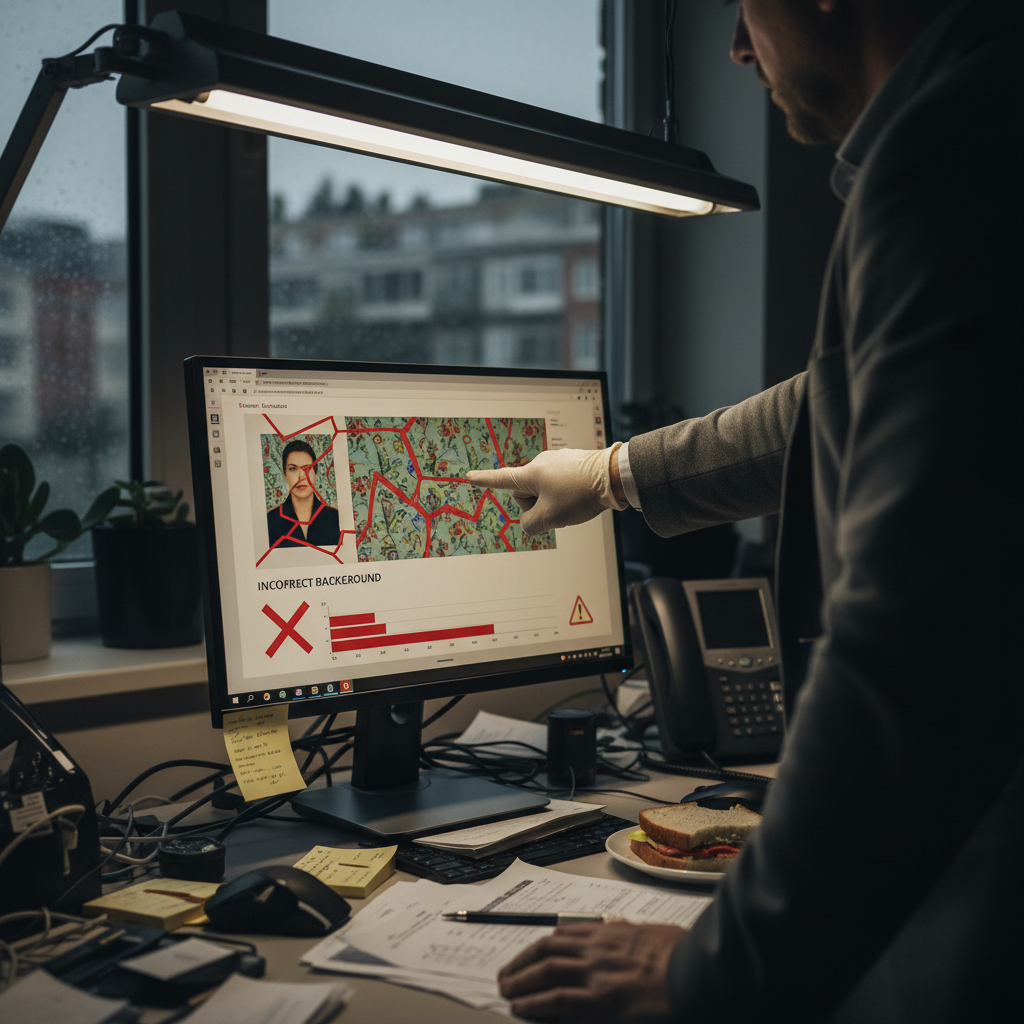
How VisaSnap Detects Incorrect Backgrounds
Why the background matters
Passport photos must have a plain white or off-white background. The U.S. Department of State rejects photos with patterned, textured, colored, or shadowed backgrounds because they interfere with facial recognition and security checks. Background problems are a common cause of rejected passport applications and weeks of delay.
What counts as an incorrect background
An incorrect background includes any background that is not plain white or off-white, has visible patterns or textures, contains other people or objects, or shows shadows. Even subtle wall textures or off-white surfaces with patterns can cause a rejection.
What VisaSnap checks for
VisaSnap automatically inspects uploaded photos for background compliance. It checks whether the background is plain white or off-white, looks for visible patterns or textures, detects other people or objects in the frame, and flags shadows on the background that could cause rejection.
Automatic background replacement
If a background is non-compliant, VisaSnap automatically removes it and replaces it with the correct shade of white or off-white required by passport authorities. This removes a common source of rejection without requiring users to retake the photo.
Lighting and shadow detection
VisaSnap also evaluates lighting to ensure the background and face are evenly lit. The app looks for shadows on the background and the face — including shadows caused by head coverings — and flags or corrects photos that show uneven lighting or shadowed backgrounds.
How head coverings affect backgrounds
Religious head coverings are permitted, but the full face must remain visible and no shadows from the covering can fall on the face or background. VisaSnap checks for shadows caused by head coverings and will flag a photo if the covering casts shadows that obscure facial features.
Infants and children: background advice
Infant and child photos must follow the same plain white/off-white background rule. The State Department recommends placing a baby on a plain white sheet; VisaSnap accepts photos taken that way and will verify and correct the background as needed.
Practical step: prepare a compliant background
Use a plain white or off-white sheet, poster board, or wall with no texture or pattern. Make sure it is smooth and wrinkle-free. For infants, lay the baby on a flat white surface and take the photo from above to avoid other objects or people appearing in the frame.
Practical step: control lighting to avoid shadows
Use even, diffused lighting from multiple sources or indirect natural light. Avoid harsh, direct lights that create strong shadows on the background. Position the subject and lights so that no shadow falls on the background or across the face.
Practical step: avoid other people and objects
Ensure no one else is visible in the frame and remove any objects that might appear in the background. For infants, do not include the hands of a parent or other person in the photo — place the baby on a white sheet and photograph from above.
Digital preparation before upload
Make sure your image is in color and recent (taken within the last 6 months). Confirm the digital file meets technical specs (JPEG, at least 600 x 600 pixels, file size 54 KB–10 MB, sRGB/RGB color space). Uploading a high-quality image helps VisaSnap detect and correct background problems more accurately.
Using VisaSnap: steps after taking the photo
1. Take the photo against a plain white or off-white surface using even lighting.
2. Upload the image to VisaSnap.
3. VisaSnap will analyze the background, remove and replace it if necessary, and verify background compliance along with other passport requirements.
4. Review any guidance VisaSnap provides and apply suggested corrections if they appear.
What VisaSnap will tell you
If the background is non-compliant, VisaSnap will either automatically replace it with the required white/off-white shade or warn you about specific issues (patterns, texture, shadows, other objects/people). The app provides specific guidance on how to fix the problem if replacement is not sufficient.
Printing and submission reminders
After VisaSnap replaces or verifies the background, ensure the printed photo meets all submission requirements: cut precisely to 2 x 2 inches, no border, no writing on the front or back, and printed on professional photo-quality paper without creases or inkjet streaks.
Special cases and documentation
If you need a medical or religious accommodation (e.g., medical eyewear or religious head covering), the background must still be plain white or off-white and free of shadows. In cases requiring medical documentation, include the signed statement with your application as required by the State Department.
Common background mistakes to avoid
- Using textured or patterned walls.
- Colored backgrounds or off-colors that are not plain white/off-white.
- Shadows on the background from lighting, head coverings, or objects.
- Other people, hands, or objects visible in the frame.
Avoid these and VisaSnap can detect and correct many issues automatically.
Actionable pre-upload checklist
- Use a plain, smooth white or off-white background.
- Use diffused, even lighting to eliminate shadows.
- Remove other people and objects from the frame.
- For infants, place on a white sheet and photograph from above.
- Use a high-quality color JPEG meeting digital specs.
- Upload to VisaSnap and apply any suggested fixes.
When VisaSnap can’t fix it
If a photo’s background problem is too severe (for example, extreme shadows or foreground objects that cannot be cleanly separated), VisaSnap will provide guidance so you can retake the photo correctly. The app’s checks and instructions are designed to prevent submission of photos likely to be rejected.
Why verifying background compliance saves time
Background-related rejections are common and can delay passport processing by weeks. Using VisaSnap to detect, correct, or replace incorrect backgrounds before you submit reduces the chance of rejection and helps your application proceed without unnecessary delays.
Final reminder
Always follow the plain white/off-white background requirement and use even lighting. Upload your prepared photo to VisaSnap to let the app verify background compliance, automatically replace non-compliant backgrounds when possible, and provide specific instructions when a retake is needed. Doing this greatly increases the chance your passport photo will be accepted the first time.